Automation Rules: Set Up CRM Syncing for X Outreach
Manual data entry between your X outreach efforts and your CRM is costing your sales team hours every week. When a prospect responds to a cold DM, when they engage with your content, or when they move through your sales funnel-you need that information flowing automatically into your CRM.
That's where automation rules come in. Automation rules are conditional workflows that trigger specific actions in your CRM based on activities happening in your X outreach campaigns. They eliminate the gap between your social selling efforts and your formal sales process.
In this guide, we'll walk you through everything you need to know about setting up automation rules for CRM syncing, the benefits of automation-driven workflows, and best practices for scaling your X outreach sustainably.
What Are Automation Rules in CRM Syncing?
Automation rules are if-then logic statements that automatically execute actions when certain conditions are met. In the context of X outreach and CRM integration, they bridge your social selling activities with your formal sales pipeline.
For example, an automation rule might look like this:
- IF a prospect replies to your X DM
- THEN automatically create a contact in your CRM and assign them to the "Engaged" stage
Or more advanced:
- IF a prospect engages with your X content three or more times AND clicks your link
- THEN create a lead record, tag them as "High-Intent," and notify your SDR team
Automation rules solve a critical problem: data silos. Without them, your X outreach happens in isolation from your CRM. Your sales team manually checks X, manually updates CRM records, and critical context gets lost. With automation rules in place, every meaningful interaction creates a synchronized record across your entire sales stack.
Why Automation Rules Matter for Sales Teams
According to research from HubSpot, sales teams that integrate their social selling platforms with their CRM see 30% faster sales cycles and 20% higher conversion rates. Here's why automation rules are the foundation of that efficiency:
1. Eliminate Manual Data Entry
Your team shouldn't spend time copying prospect names, email addresses, and interaction notes from X into your CRM. Automation rules handle this instantly. A study by Forrester found that sales reps spend only 41% of their time actively selling-the rest goes to administrative tasks. Automation rules reclaim hours every week.
2. Ensure No Lead Falls Through the Cracks
When rules are set up correctly, every qualified prospect automatically enters your CRM at the right stage. No more wondering if a high-value lead got missed because it wasn't manually added. Every X engagement that meets your criteria triggers immediate action.
3. Create Consistent Lead Scoring
Automation rules let you score leads consistently based on objective criteria. When a prospect engages multiple times, visits your landing page, or replies to your DM, that activity automatically updates their lead score in your CRM. This creates an objective view of intent rather than relying on individual sales rep intuition.
4. Enable Personalized Follow-Up Sequences
When prospects reach certain stages (qualified lead, opportunity, proposal sent), automation rules can trigger email sequences, task assignments, or notifications. Your team can focus on high-value conversations rather than remembering to follow up.
Setting Up Automation Rules for X Outreach and CRM Syncing
The exact setup process depends on your CRM platform and X outreach tool, but the foundational principles are consistent. Here's a practical framework:
Step 1: Define Your Trigger Events
First, identify which X activities should trigger CRM actions. Common triggers include:
- Direct Message Reply: Prospect responds to your DM
- Link Click: Prospect clicks a link in your bio or DM
- Profile Visit: Prospect views your X profile (indicates interest)
- Content Engagement: Prospect likes, retweets, or replies to your posts
- Multiple Interactions: Prospect completes 3+ engagement actions within a time window
- Keyword Mention: Prospect mentions a relevant keyword (indicates a need or pain point)
Start with high-confidence triggers. A DM reply, for instance, is a strong signal of interest. You can add more sophisticated triggers later.
Step 2: Map Your CRM Actions
Next, determine what should happen when a trigger fires. Common actions include:
- Create Contact/Lead: Automatically add the prospect to your CRM
- Update Lead Status: Move them to a specific stage (e.g., "Sales Accepted Lead," "Opportunity")
- Assign to Sales Rep: Route to the appropriate team member based on territory, account, or round-robin logic
- Add Tags: Label prospects based on source, intent level, or product interest
- Send Internal Notification: Alert your team about high-priority prospects
- Trigger Email Sequence: Enroll them in a nurture campaign
- Update Custom Fields: Log the X engagement channel, timestamp, or context
Step 3: Set Your Conditions and Thresholds
Automation rules are more powerful when you add conditions. For example:
- Only create a lead if their X profile has 500+ followers (indicates established professional)
- Only assign to sales if their company is in your target industry list
- Only trigger an action if they've engaged more than once in the past 30 days
- Only escalate if their bio mentions a relevant job title or pain point
These conditions prevent your team from being overwhelmed with low-quality leads and ensure your CRM stays clean and focused on prospects who match your ideal customer profile.
Step 4: Test Your Rules in a Sandbox
Before deploying automation rules across all campaigns, test them with a small segment. Create a test rule, run it for 48-72 hours, and verify:
- Triggers are firing correctly
- Data is syncing to the right fields in your CRM
- Lead assignment logic is working
- No duplicate records are being created
- Contact information is accurate and complete
This prevents accidentally flooding your CRM with malformed data or assigning leads to the wrong team members.
Best Practices for Automation Rules
Keep Rules Simple at First
Start with 2-3 core automation rules that handle 80% of your workflow. A simple rule like "DM Reply → Create Lead → Assign to SDR" is more powerful than five complex rules that create confusion and maintenance headaches. You can add sophistication as your process matures.
Use Lead Scoring to Rank Prospects
Don't treat all prospects equally. Use automation rules to assign point values based on engagement level. A DM reply might be worth 50 points, a second interaction 30 more points, a profile visit worth 10 points. Prospects crossing a threshold (e.g., 75+ points) automatically escalate to sales. This ensures your team focuses on high-intent prospects first.
Segment Prospects by Fit
Use automation rules to apply different workflows based on account fit. If a prospect works at an enterprise company that's on your target account list, trigger a different automation sequence than a small business prospect. This enables precision outreach rather than one-size-fits-all approaches.
Monitor Rule Performance Regularly
Set up a weekly or monthly review of your automation rules. Check:
- How many prospects are being triggered into each rule?
- What's the conversion rate for prospects that went through each rule?
- Are there false positives (low-quality leads being captured)?
- Are there false negatives (high-quality prospects being missed)?
Use this data to refine your triggers and conditions.
Implement Rate Limiting to Protect Your Account
Even with automation, respect X's usage limits. Many tools like GramFunnels include proxy infrastructure and rate limiting to ensure your outreach campaigns stay compliant with X's terms of service. Don't set automation rules to fire so aggressively that you risk account suspension. The goal is sustainable scaling, not rapid burnout.
Document Your Automation Rules
Create a simple spreadsheet documenting each rule: what triggers it, what actions it executes, any conditions applied, when it was created, and who owns it. This becomes invaluable when onboarding new team members or troubleshooting unexpected behavior.
Common Automation Rule Mistakes to Avoid
Mistake 1: Creating Duplicate Records
Without proper logic, automation rules can create multiple CRM records for the same prospect. Use matching logic that checks if a contact already exists before creating a new one. Match on email address, X handle, or phone number depending on what's available.
Mistake 2: Assigning Too Many Rules to New Prospects
Flooding a prospect with multiple automated touches immediately after first contact feels pushy. Instead, use your first automation rule to create the record and assess fit. Only trigger secondary sequences (email nurture, sales call) after a waiting period or after explicit interest signals.
Mistake 3: Forgetting About Compliance
Automation rules must respect GDPR, CAN-SPAM, and other regulations. Ensure your rules never automatically enroll prospects in email sequences without consent. Include an opt-out mechanism. When you're automating at scale, compliance becomes more critical, not less.
Mistake 4: Setting Rules to Fire Too Broadly
A rule that triggers on any X mention of your keyword is too broad. You'll capture competitors, irrelevant conversations, and tire out your team. Set narrower conditions: only people who mention the keyword AND follow your account, or only people in your target industry, or only profiles with 100+ followers.
Mistake 5: Neglecting to Sync Historical Data
Automation rules only handle prospective data going forward. If you've already been doing X outreach, you likely have existing prospects you want in your CRM. Use a one-time bulk import to get historical X outreach data into your CRM before activating automation rules.
Automation Rules and the Complete Outreach Workflow
Automation rules are most powerful when integrated into a complete outreach system. Here's how they fit:
- Research and Targeting: You identify prospects using keyword targeting and list building
- Initial Outreach: You send personalized cold DMs using cold DM frameworks that convert
- Automation Rules Trigger: When prospects engage (reply, click, visit profile), automation rules fire and create CRM records
- Lead Scoring: Rules apply scores based on engagement level
- Routing: High-scoring prospects are automatically assigned to your sales team
- Follow-up Sequences: Rules can trigger email sequences, task reminders, or secondary touch points
- Pipeline Tracking: As prospects move through your sales process, rules update CRM stages and trigger actions
For a comprehensive guide to integrating X outreach with your CRM, see our detailed resource on CRM integration for X outreach.
Scaling Your Automation Rules Team
As your team grows, automation rules become even more critical. They ensure that whether you're running 1 account or 50 accounts, every prospect receives consistent treatment and gets routed properly through your sales process.
For teams managing multiple X accounts, establish a governance structure around automation rules:
- Rule Owner: Who creates, tests, and maintains each rule?
- Update Approval: Require testing before deploying changes
- Performance Tracking: Monthly review of rule effectiveness
- Documentation: Keep a changelog of when rules were modified and why
Read more about structuring your team for X outreach in our guide to team operations and multi-account management.
The ROI of Automation Rules
What's the business case for setting up automation rules? Here are measurable benefits:
- Time Savings: Eliminate 5-10 hours/week of manual CRM data entry per team member
- Lead Quality: No more missed prospects; every qualified engagement enters your pipeline
- Sales Velocity: Leads enter your CRM immediately after engagement, not days later
- Conversion Improvement: According to Velocify research, connecting leads to sales reps within 1 minute improves conversion rates by 400% compared to a 30-minute delay
- Scaling Efficiency: You can run campaigns at 10x the volume without proportionally increasing manual work
These benefits compound over time. A sales team of 8 reps, each saving 7 hours per week, recovers 364 hours annually-equivalent to half a full-time employee focused entirely on selling rather than data entry.
Next Steps: Implement Your First Automation Rule
Ready to get started? Here's your action plan for this week:
- Audit Your Current Process: How are you currently getting X prospects into your CRM? Where's the manual work happening?
- Choose Your First Trigger: Pick the highest-volume engagement type (likely DM replies)
- Design Your Action: What should happen when that trigger fires? (Create lead, assign to sales, send notification)
- Set Your Conditions: Any filters to apply to prevent low-quality leads?
- Test in Sandbox: Create a test rule and verify it works for 2-3 days
- Deploy to Production: Once validated, activate it across your campaigns
- Monitor Results: Track how many prospects go through the rule and their conversion rate
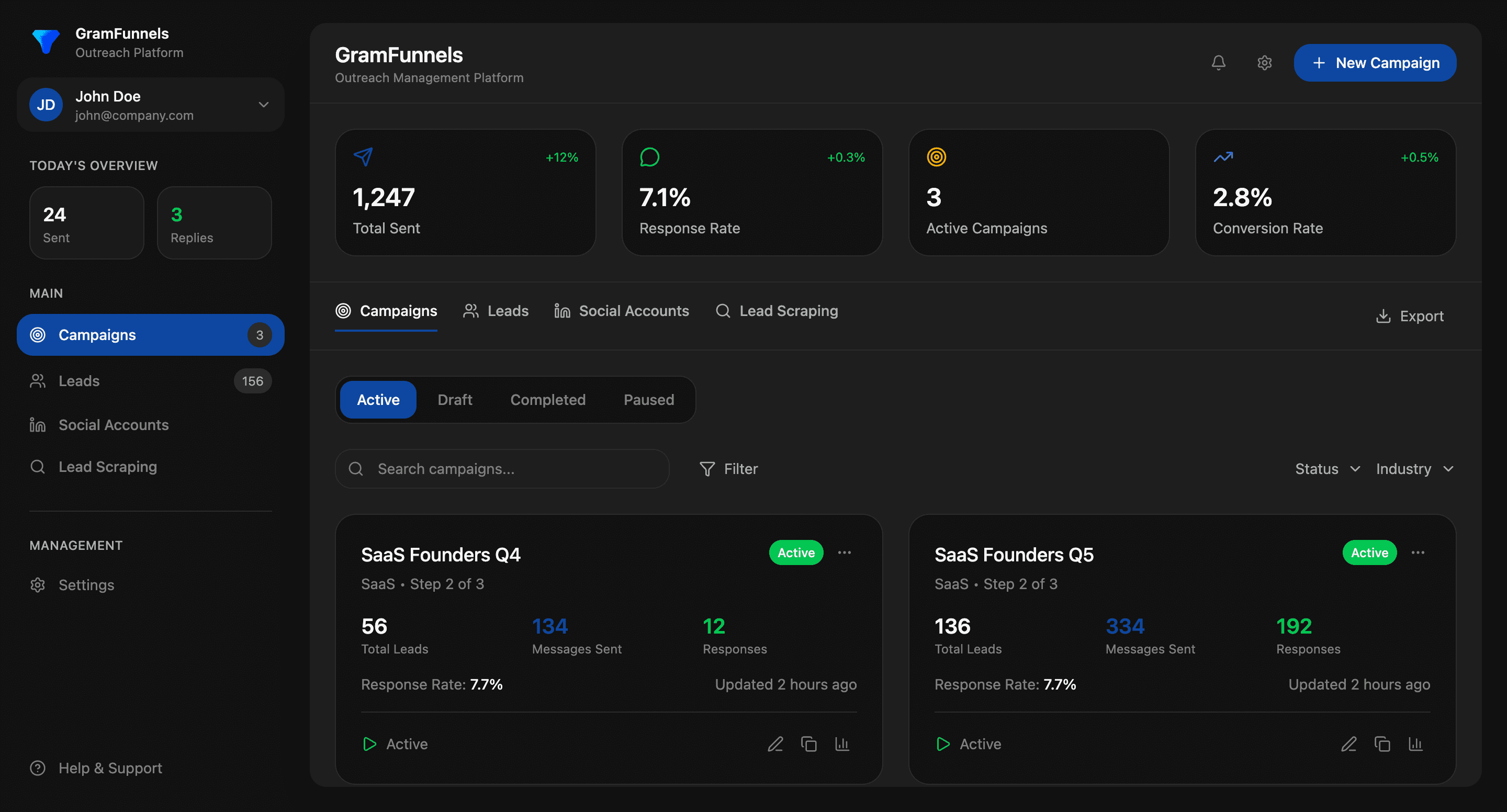
For platforms like GramFunnels that handle X outreach automation, automation rules integrate seamlessly with your DM campaigns, ensuring that engaged prospects automatically flow into your CRM without manual intervention.
Want a deeper dive into connecting X outreach to your complete sales stack? Check out our comprehensive guide on CRM integrations for X outreach.
Key Takeaways
- Automation rules eliminate manual CRM data entry: When configured correctly, every meaningful X engagement automatically creates or updates a CRM record
- They create consistency: All prospects are treated fairly based on objective engagement criteria, not individual rep memory
- They enable scaling: You can run 10x more campaigns without proportionally increasing administrative burden
- They improve conversion rates: Getting prospects into your CRM immediately after engagement increases sales velocity and conversion
- Start simple, iterate: Begin with 2-3 core rules, test thoroughly, then add sophistication based on performance data
- Never forget compliance: Automation at scale means compliance becomes more critical, not less